Connect MuMu to Microbe Studio
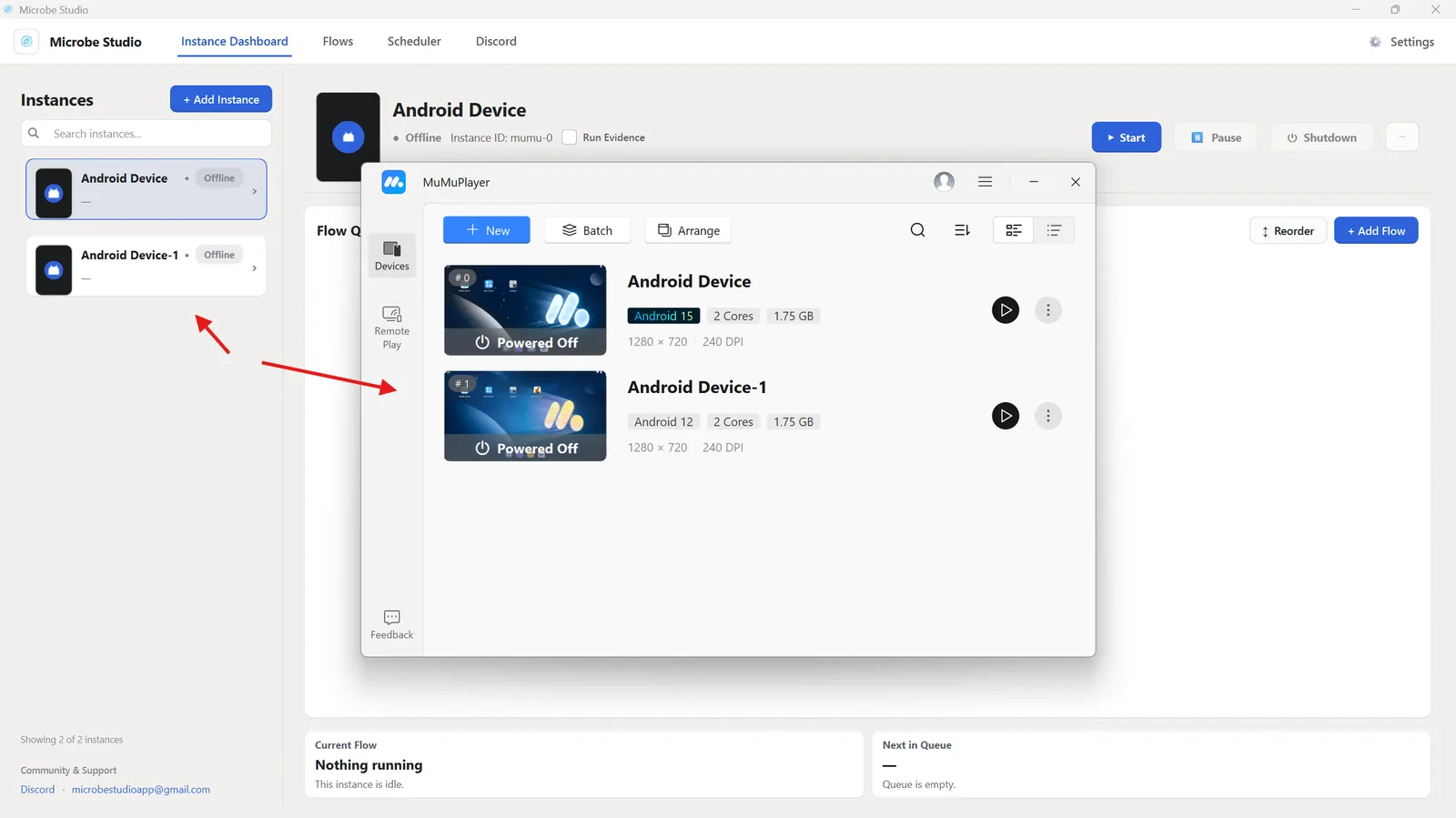
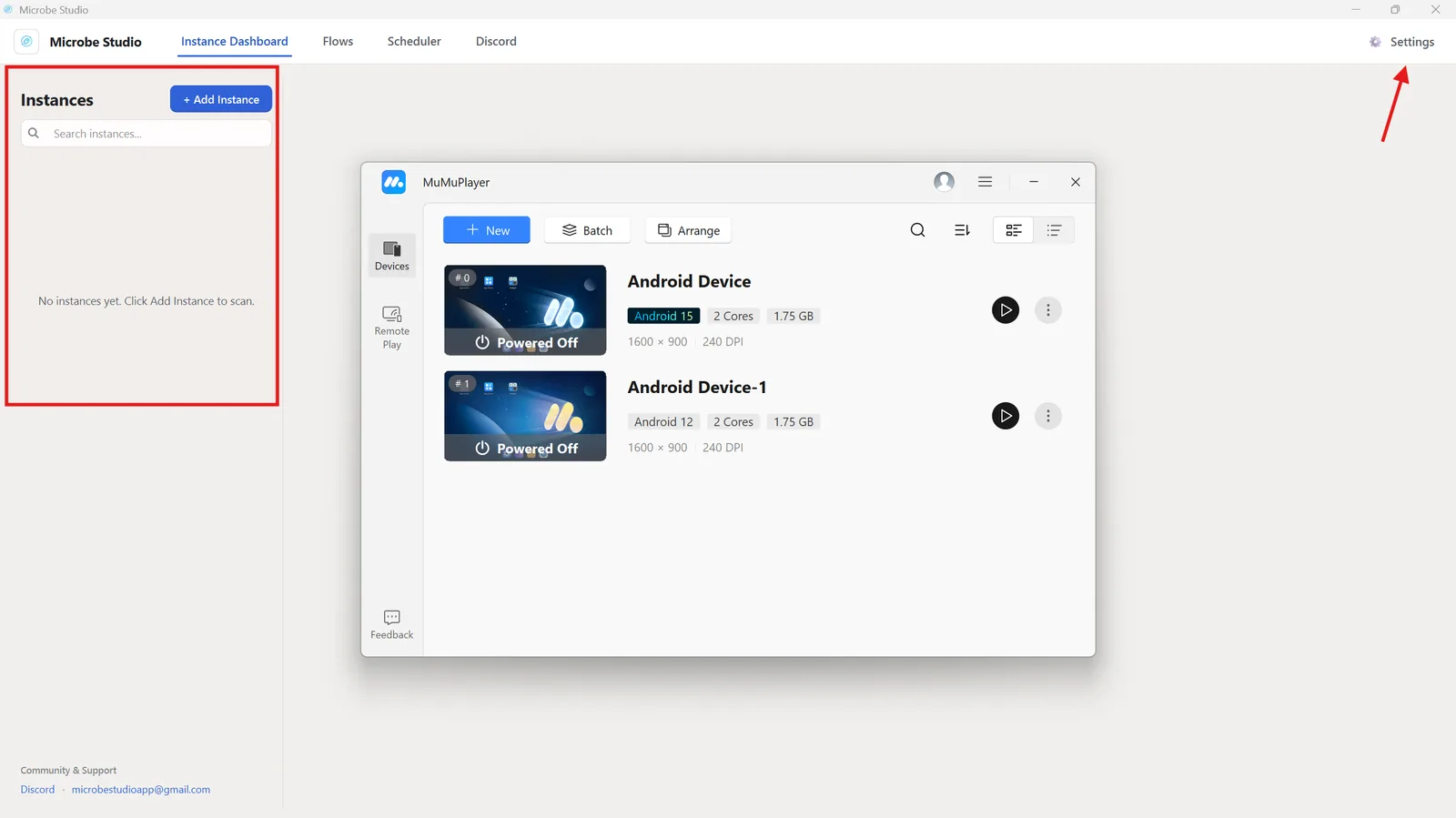
Open Microbe Studio and confirm that the MuMu instance appears in the instance list.
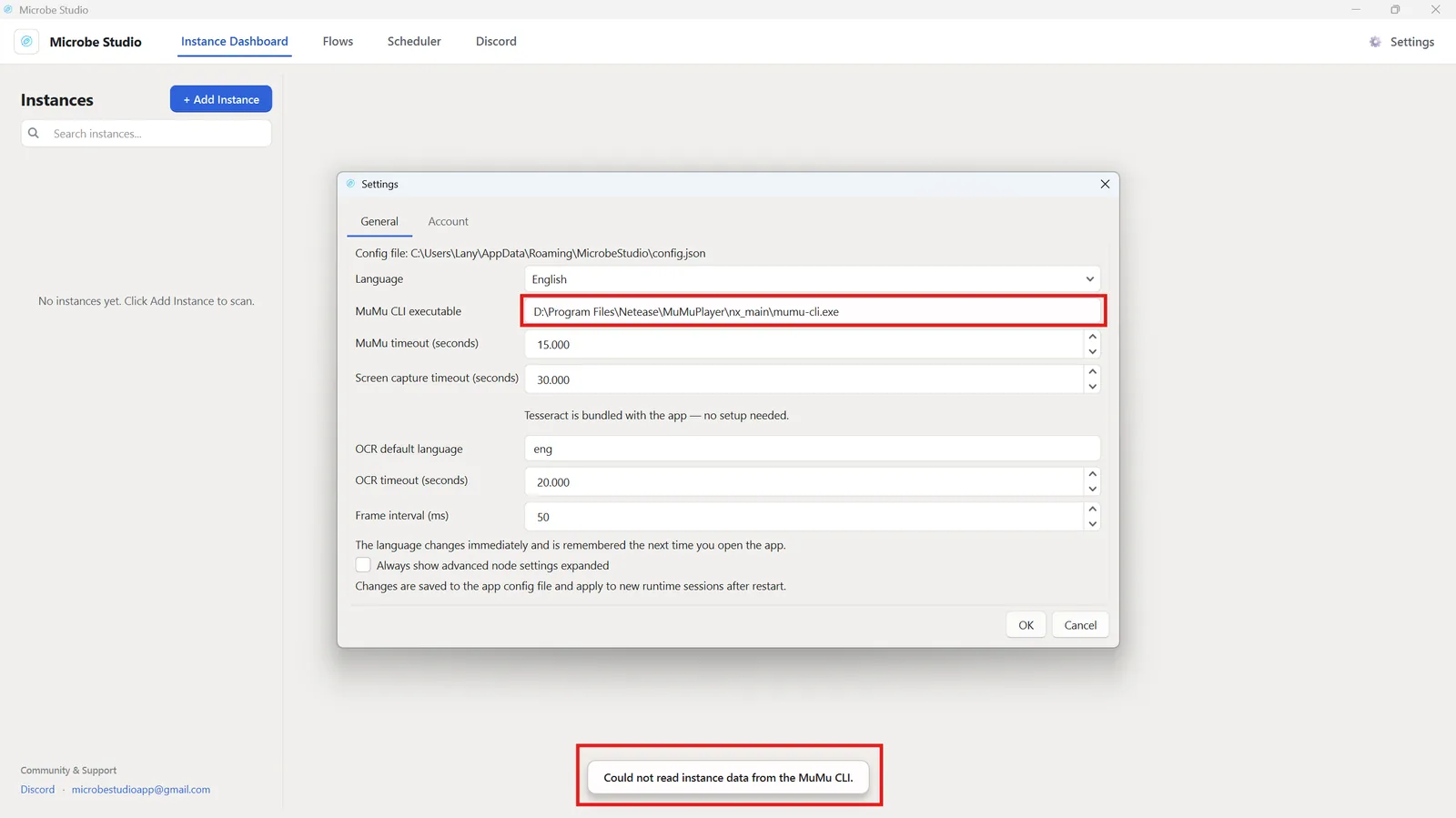
If no instance appears, open Settings in Microbe Studio and check the MuMu CLI path.
The default path is usually:
C:\Program Files\Netease\MuMuPlayer\nx_main\mumu-cli.exe
If MuMu is installed on another drive, the path is similar. For example:
D:\Program Files\Netease\MuMuPlayer\nx_main\mumu-cli.exe